Migrating from Pterodactyl
This guide will show you how to migrate from your old Pterodactyl Panel, to your new Calagopus Panel.
What will be migrated?
Basically everything EXCEPT API Keys generated by Pterodactyl, due to Calagopus using a different format than Pterodactyl, both not reversible.
Prerequisites
To migrate from Pterodactyl, you must have:
- Your Pterodactyl .env file ready
- Calagopus Panel installed, but not fully configured (stop at the OOBE)
Installation
If you haven't already so, install Calagopus Panel first using this guide. Once you have installed Calagopus Panel, and arrived to the OOBE, continue following this guide.
DO NOT PROGRESS THROUGH THE OOBE!
This guide requires a fresh database because we need to replace it with our old data. If you finished the OOBE, you will need to delete the database. Once you arrived to the following image below, close the tab and continue following this tab. 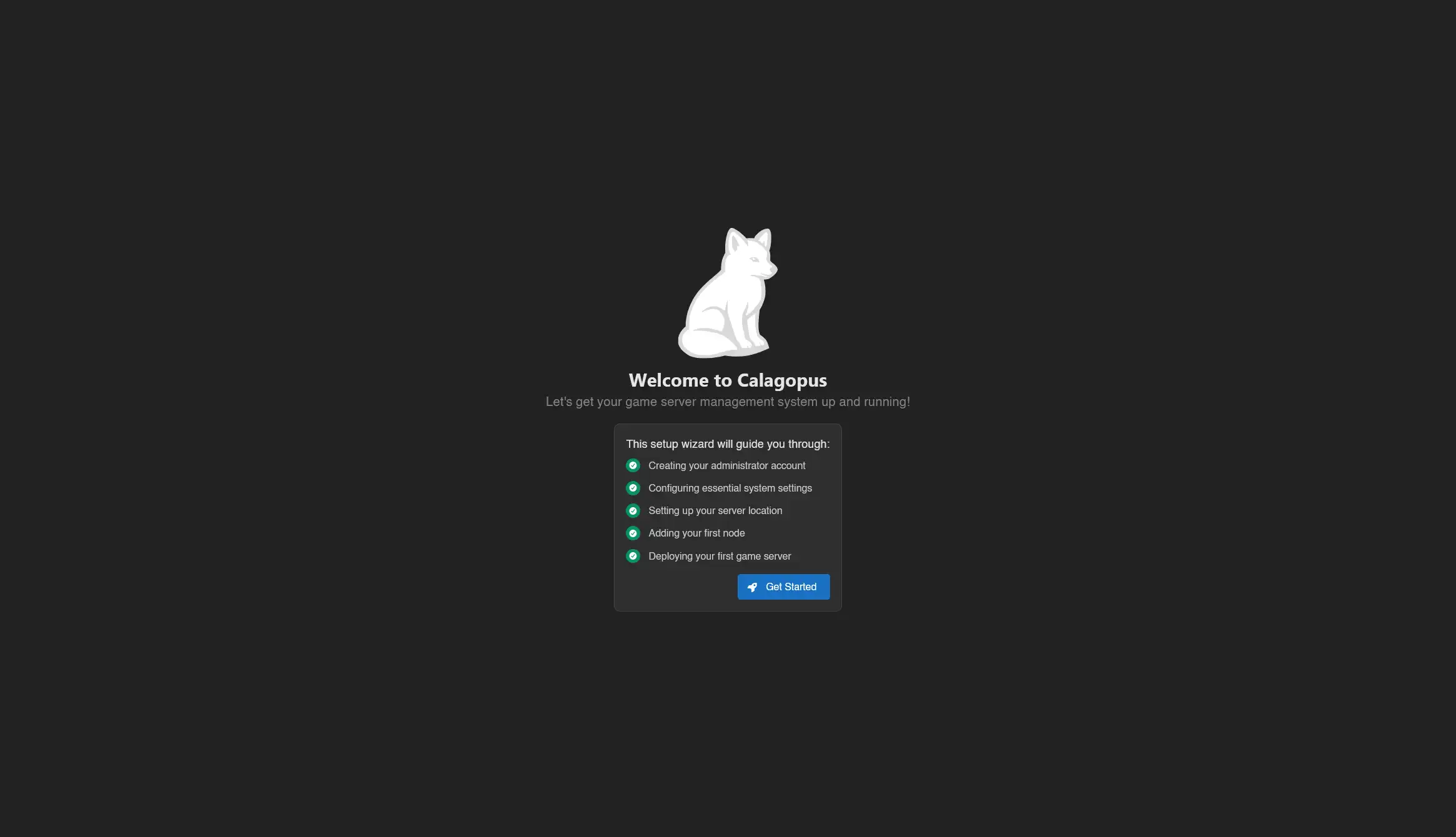
How to delete the database?
Head to the directory where the compose file is, then stop Calagopus:
docker compose downThen, nuke the database:
# We're nuking the database because we need to replace it with our old data
rm -r postgres
Finally, start Calagopus again:
docker compose upDepending of how you installed Calagopus, instructions have been seperated into 2 seperate tabs to adapt to your installation. Please select the installation method you used to install Calagopus.
First, head into the directory where the compose file is located, and copy the Pterodactyl's .env file in the container. Assuming your Pterodactyl Panel is installed at /var/www/pterodactyl, run this command:
docker compose cp /var/www/pterodactyl/.env web:/.envThen, simply run the migration command:
docker compose exec web panel-rs import pterodactyl --environment /.envThis command will start migrating all of your users, servers, nodes, etc, which may take a while. Once it's done migrating, simply restart the container:
docker compose down
docker compose up -d
Login with your existing Pterodactyl credentials, and you should be all set!